
Build Interactive Prototypes with AI
Create clickable, testable prototypes that help you test user flows, validate concepts, and communicate ideas—no complex design tools needed. Our AI prototyping tool generates functional prototype designs in minutes. Export clean code that makes building easier.





Trusted by 100,000+ users
Used by individuals at leading brands








FASTEST WAY TO CREATE PROTOTYPES
Why Use an AI Prototyping Tool?
Create Interactive Prototypes in Minutes
Generate functional prototype designs instantly—no need to spend hours learning complex prototyping tools or building interactions manually. Our AI prototyping tool produces clickable, testable prototypes with proper user flows and interactions in seconds. Move from idea to testable prototype faster than ever.

Test User Flows Without Complex Tools
Build interactive prototypes that help you test user flows and validate concepts without learning Figma, Sketch, or other complex prototyping software. Our AI prototyping tool creates functional prototype designs with clickable elements and user flows—all without the learning curve of traditional prototyping tools.

Validate Ideas Before Building
Test your concepts and validate ideas before investing in development. Our AI prototyping tool helps you create interactive prototypes that demonstrate functionality, test user flows, and communicate ideas to stakeholders. Export code that makes building easier—use prototypes as blueprints for development.
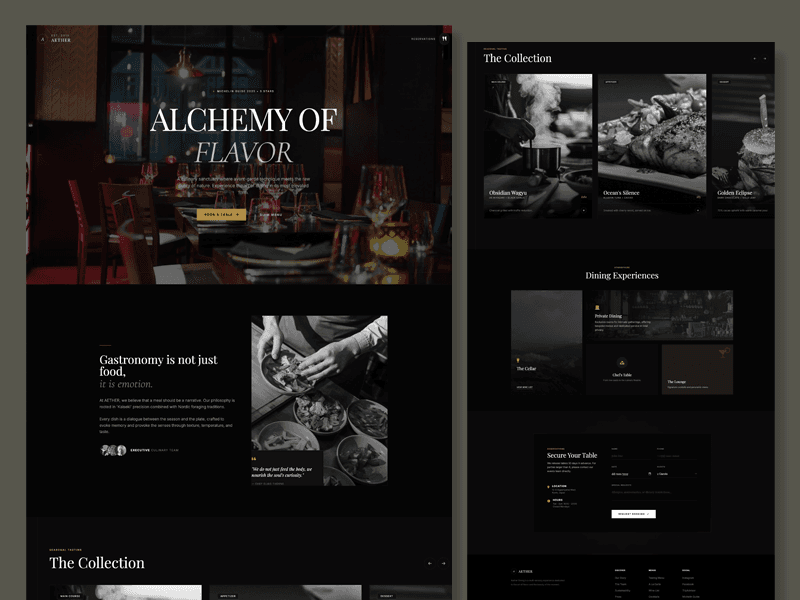
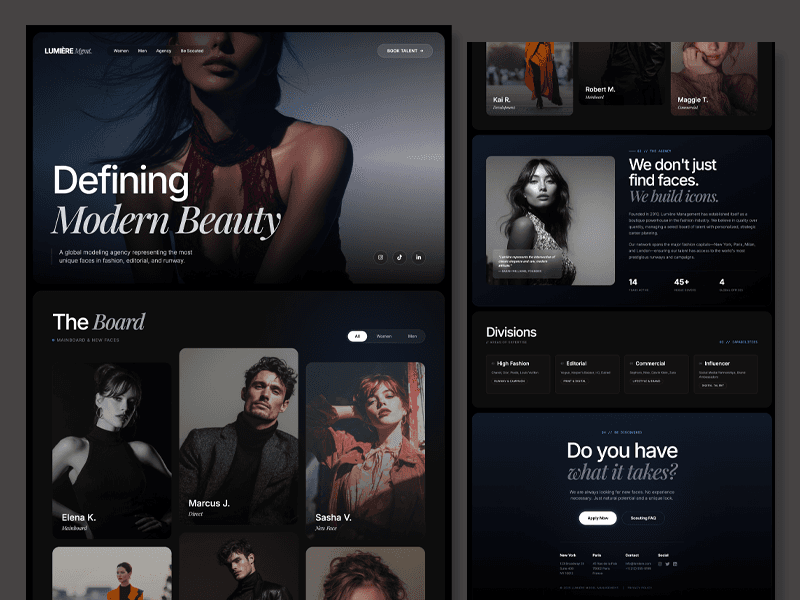
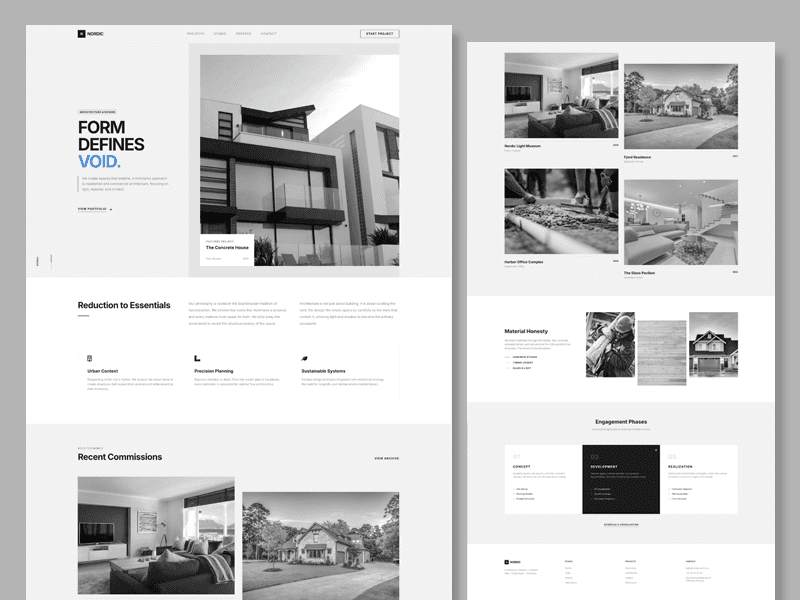
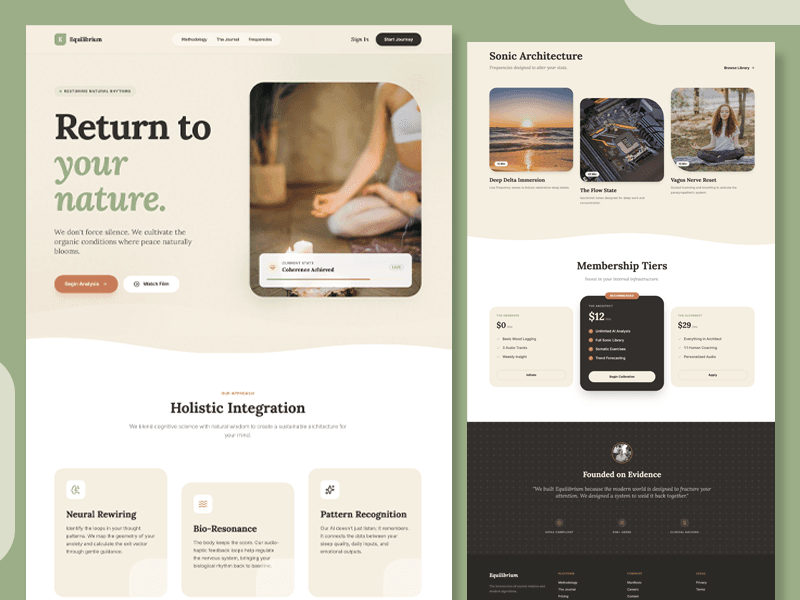
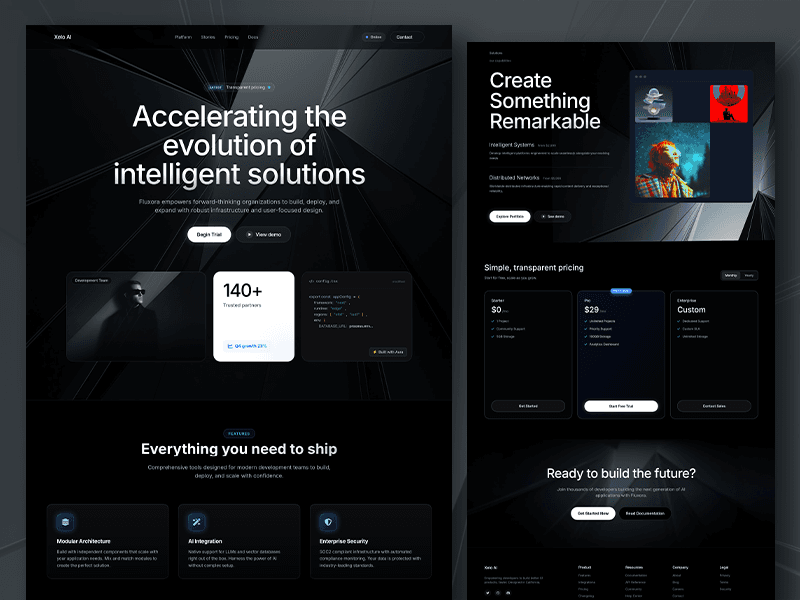
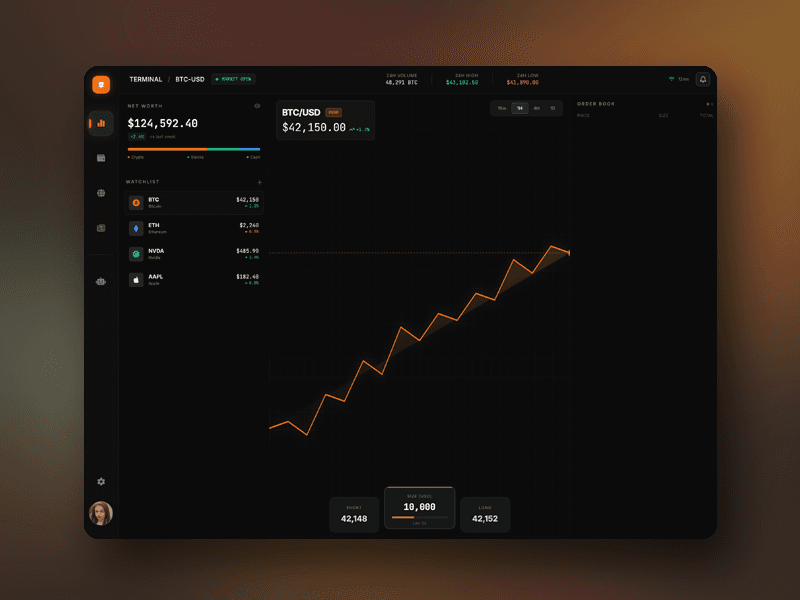

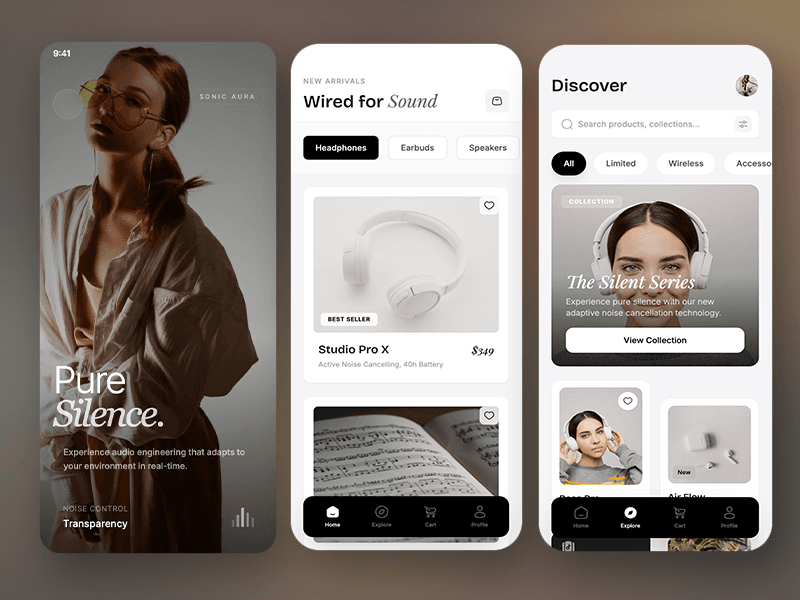
Create Interactive Prototypes with AI
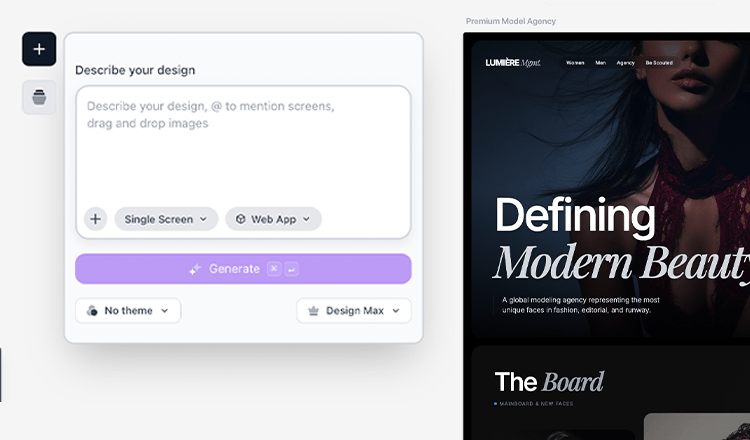
Describe Your Prototype Concept
Tell our AI prototyping tool what kind of interactive prototype you need—web app, mobile app, dashboard, or component prototype. Describe your user flows, interactions, functionality, and design preferences. You can also upload reference images, and our AI will analyze them to create prototype designs based on the structure and interactions.
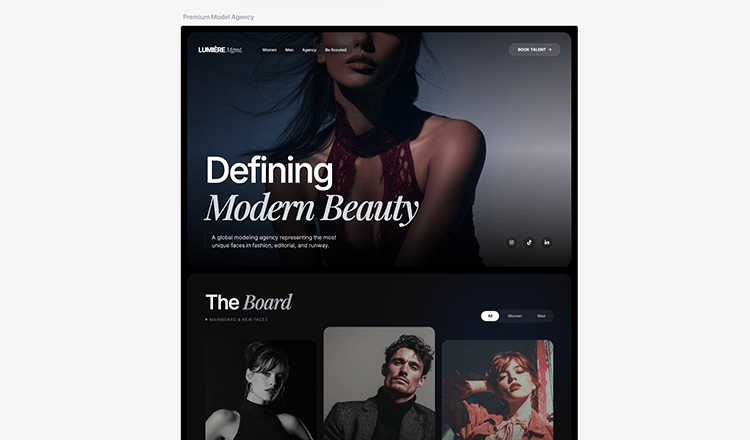
AI Generates Your Interactive Prototype
Our AI prototyping tool creates functional prototype designs with proper user flows, clickable elements, navigation patterns, and interactive components. Each generated prototype includes structured layouts, interaction points, and testable flows—all designed to help you validate concepts and test user experiences before building.
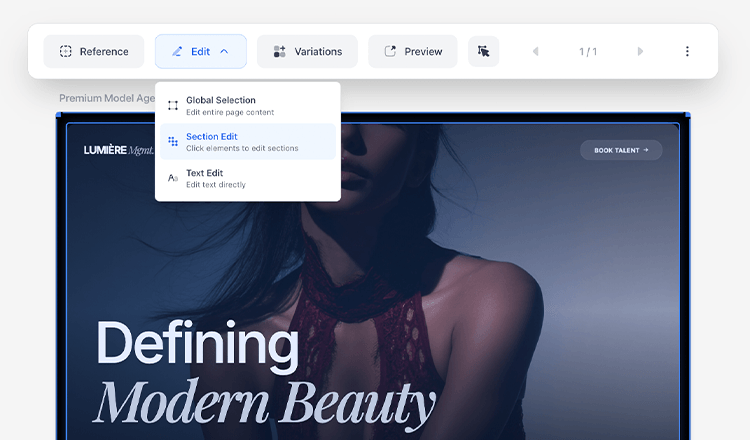
Refine Prototype Interactions & Flows
Edit any part of your prototype with simple text prompts. Adjust user flows, modify interactions, change navigation, update layouts, or add new elements—all without complex prototyping tools. Our AI prototyping tool understands interaction requirements and adapts your prototype accordingly, helping you iterate quickly on your concept.
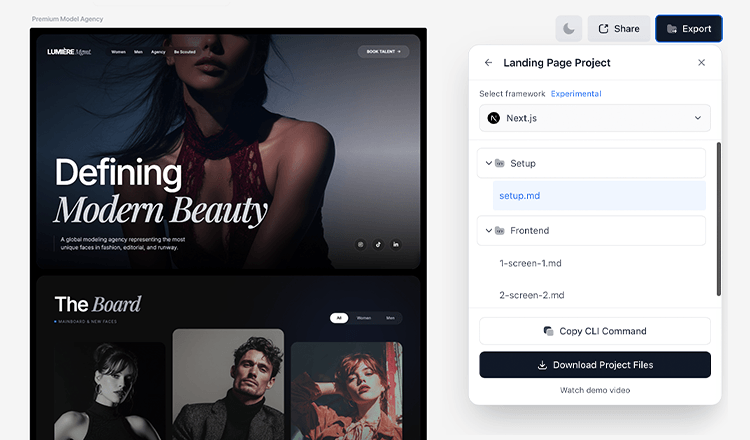
Export Code to Make Building Easier
Download your prototype as clean, production-ready HTML/CSS code or continue prototyping in our visual editor. Export optimized code that makes building easier—use the prototype as a blueprint for development, share it with your team, or use it as a starting point for building your final product.
What builders are saying

tonyy
@ttonydev
This was the most impressive demo of from image to code that I've ever seen 😮

Sam McKay
@SamMcKayOG
Tried out Komposo after watching a demo yesterday. Wow. Great work on that

Marjan Milosavljević
@marjan_milo
Very useful tool! I tried it yesterday in combination with @cursor_ai and already built my own workaround. 🤘

Tyler Shukert
@dshukertjr
This might be the easiest way to start building apps with Cursor!

Paul Copplestone
@kiwicopple
wow - this is an incredible "getting started" workflow

Seraph
@Seraph
Komposo was a genius project. It utterly is a SOTA app!

Jason Vestri
@jasonvestri
The greatest benefit is having solid env setup and clear instructions to the agent to set things up.
tonyy
@ttonydev
This was the most impressive demo of from image to code that I've ever seen 😮
Sam McKay
@SamMcKayOG
Tried out Komposo after watching a demo yesterday. Wow. Great work on that
Marjan Milosavljević
@marjan_milo
Very useful tool! I tried it yesterday in combination with @cursor_ai and already built my own workaround. 🤘
Tyler Shukert
@dshukertjr
This might be the easiest way to start building apps with Cursor!
Paul Copplestone
@kiwicopple
wow - this is an incredible "getting started" workflow
Seraph
@Seraph
Komposo was a genius project. It utterly is a SOTA app!
Jason Vestri
@jasonvestri
The greatest benefit is having solid env setup and clear instructions to the agent to set things up.
Frequently Asked QuestionsFrequently Asked
Questions



Ready to build?
Start designing with AI in seconds. No downloads, no setup — just your ideas.
Get started for free