Never Stare at a Blank Canvas Again
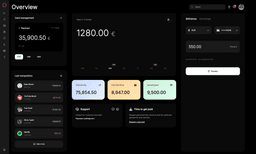
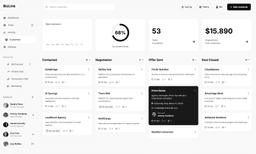
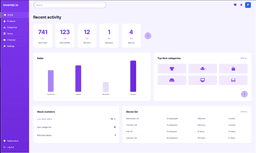
Staring at an empty canvas? Tired of the same Figma workflows? Get instant design inspiration and jumpstart your creative process. Generate design variations, explore new directions, and break through creative blocks—all in seconds.





Trusted by 100,000+ users
Need inspiration? Try these prompts!
Used by individuals at leading brands








How Designers Beat Creative Blocks With Komposo AI
Describe Your Vision or Explore Randomly
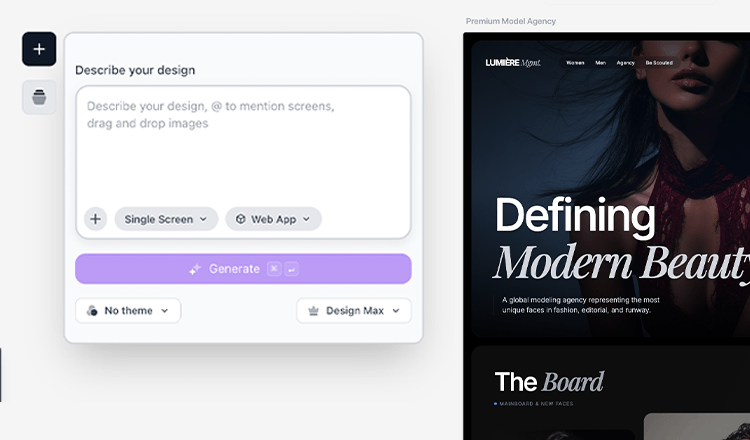
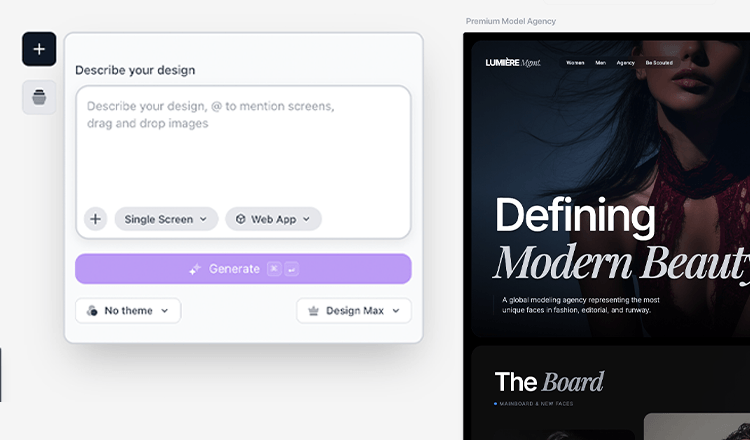
Start with a prompt describing what you want to design, or explore completely random directions for inspiration. Komposo AI understands design concepts and generates complete designs instantly. Perfect for breaking through blank canvas syndrome—you'll have visual concepts to work with in seconds, not hours of staring at an empty canvas.
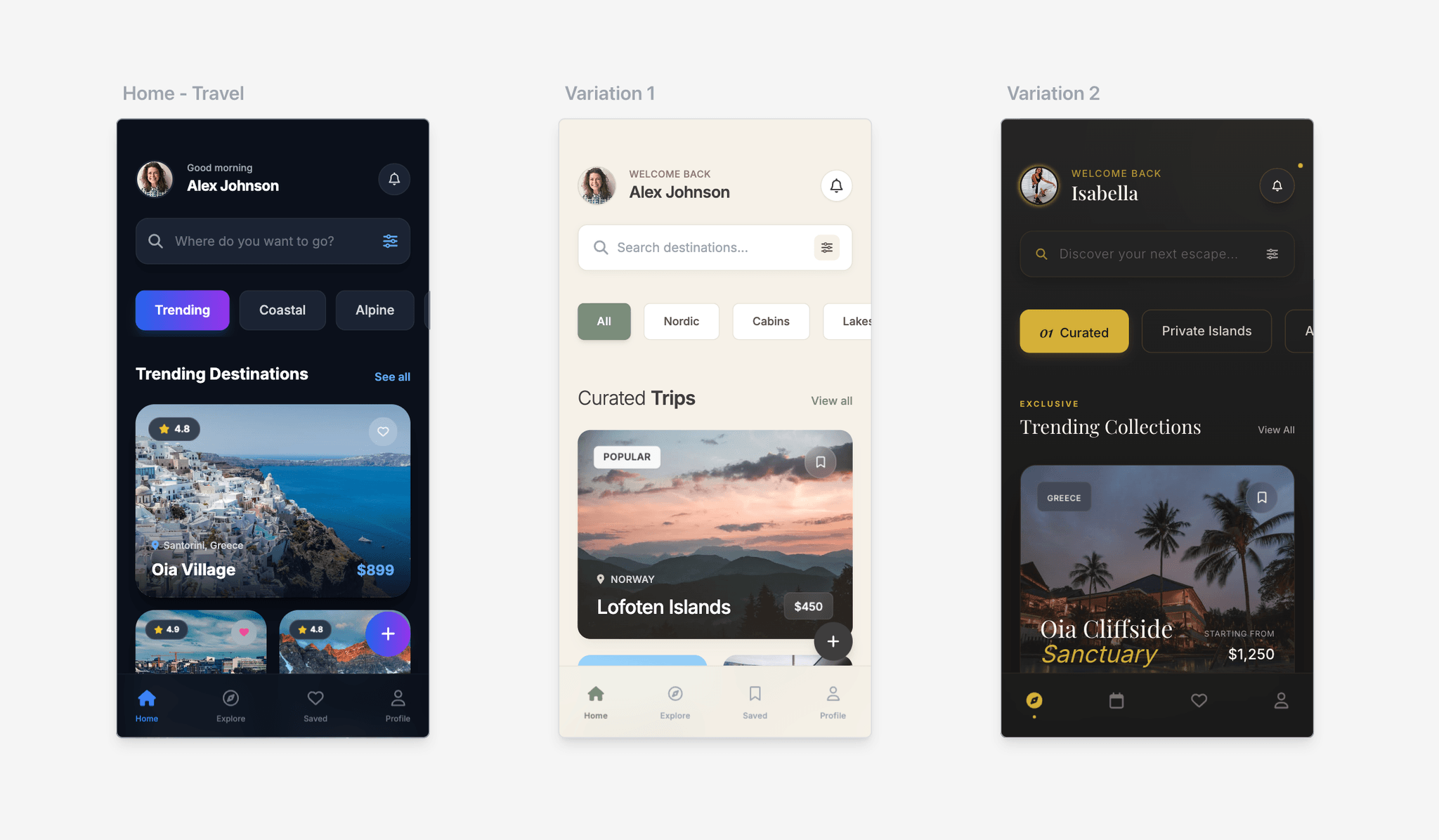
Generate Multiple Design Variations Instantly
Create several design variations in seconds to explore different directions. Generate style variations, concept variations, or completely different approaches. Each variation gives you new ideas, color schemes, and layout patterns to inspire your work. Use these as starting points, combine elements from different variations, or export to Figma for refinement.
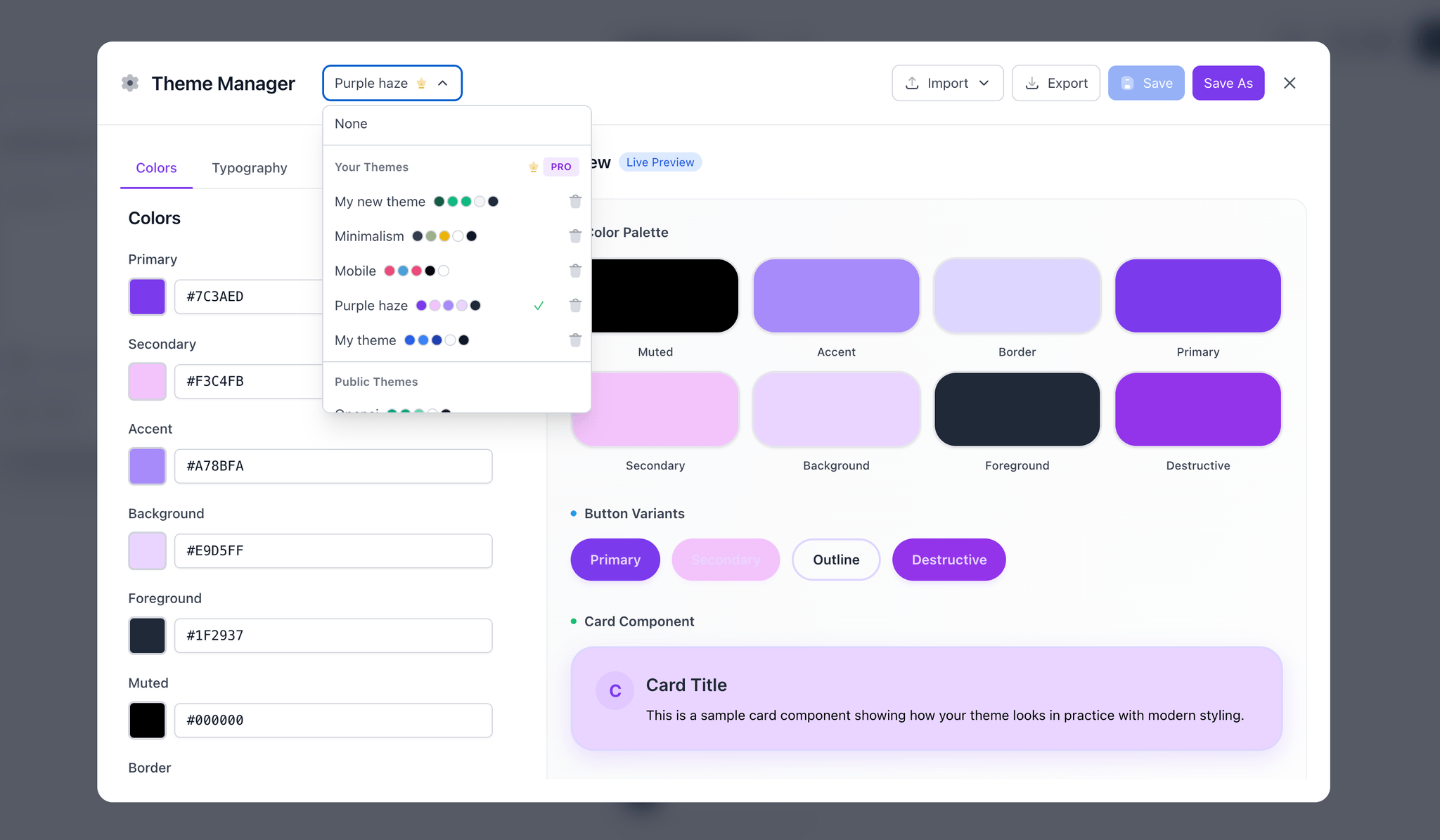
Use AI Designs as Creative Springboards
Don't just use AI-generated designs as-is—use them as creative springboards. Extract color palettes, layout ideas, or component patterns. Copy designs directly to Figma for detailed refinement, or use them as reference for your own creations. Break free from design ruts and discover new patterns you might never have considered.
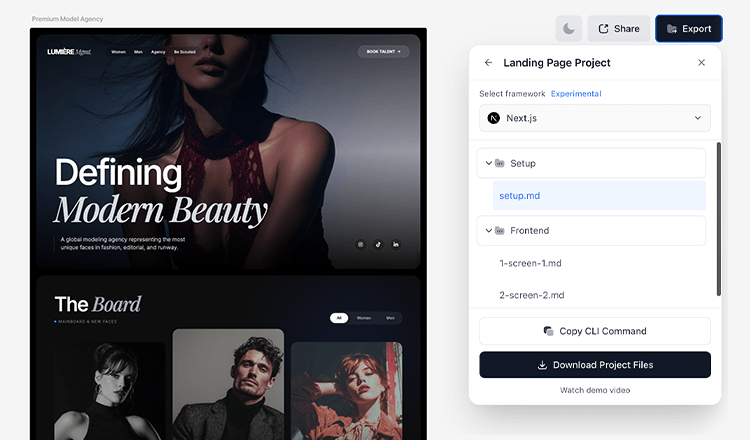
Iterate & Refine Without Starting from Scratch
Refine AI-generated designs with simple text prompts instead of rebuilding from scratch. Change colors, layouts, typography, or components instantly. This workflow eliminates Figma fatigue—you spend less time on repetitive tasks and more time on creative refinement. Export polished designs to Figma when ready for final touches.
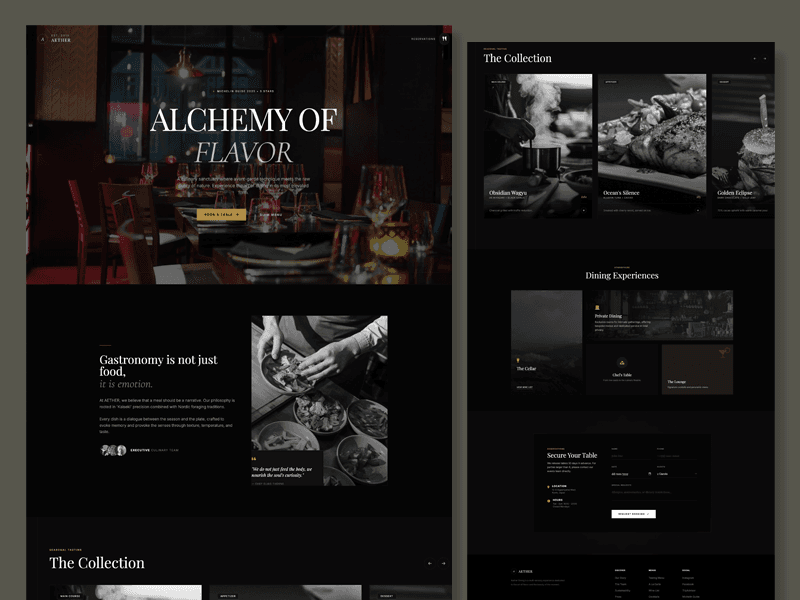
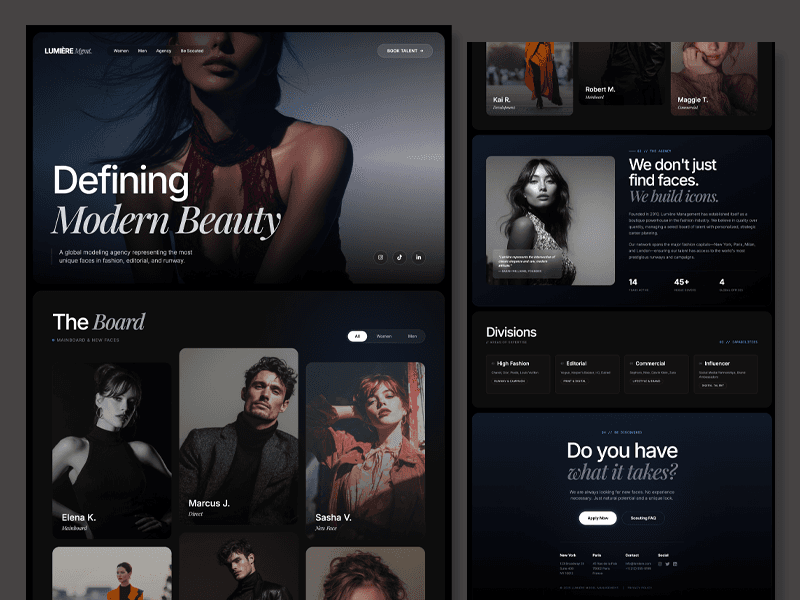
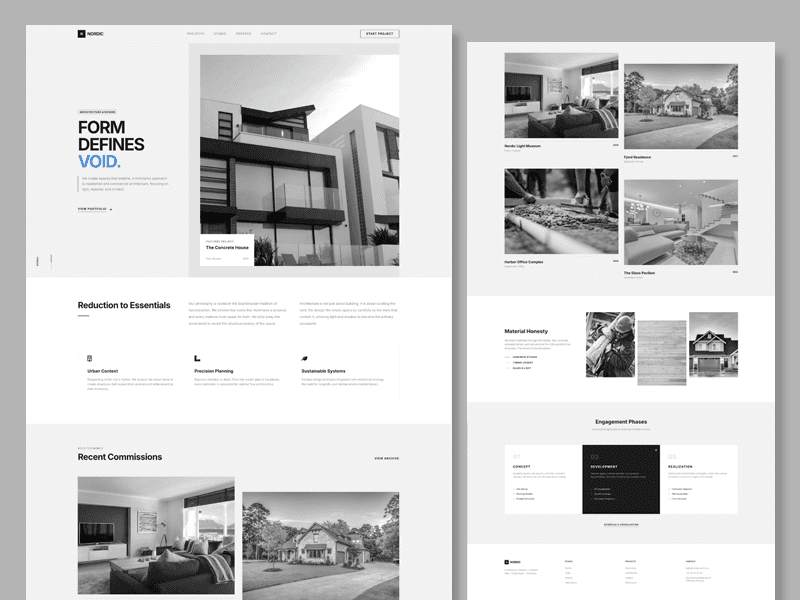
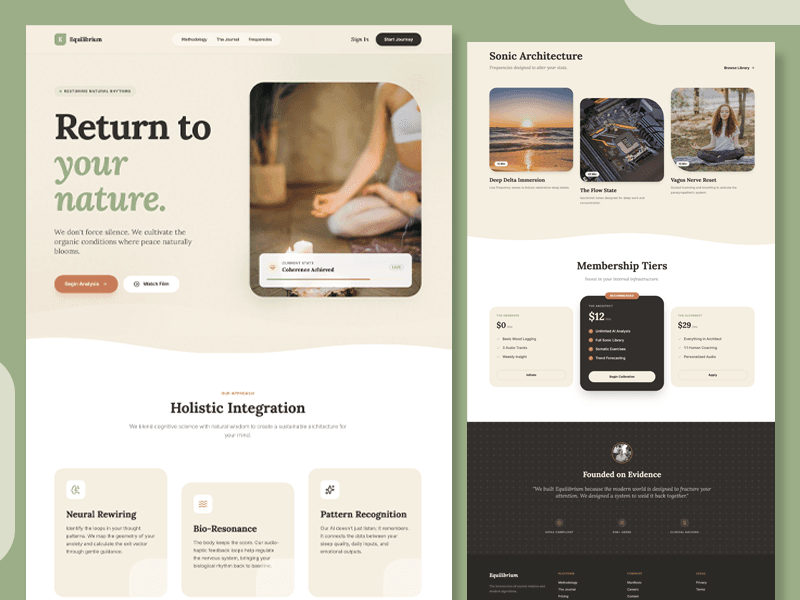
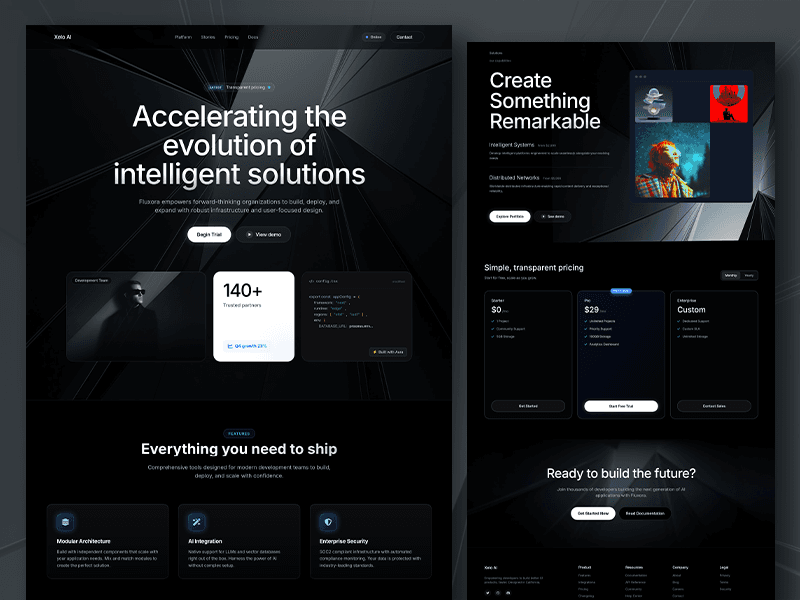
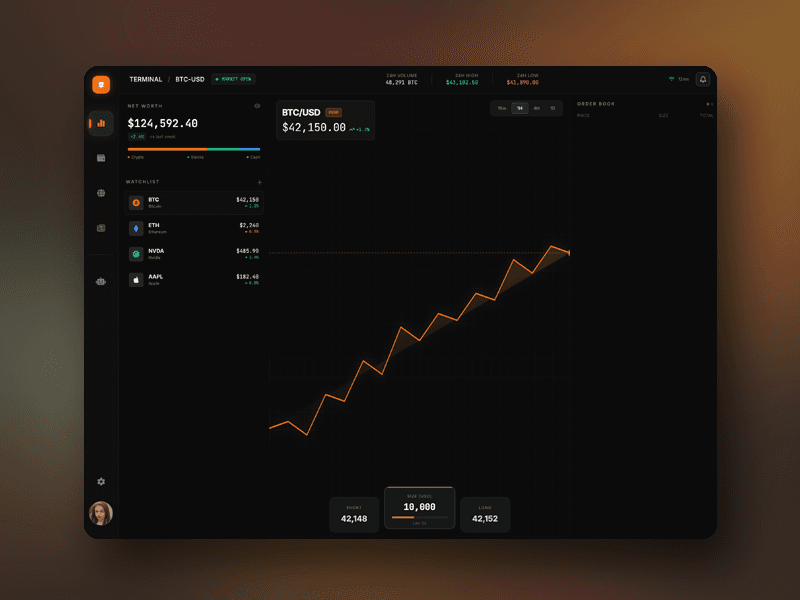

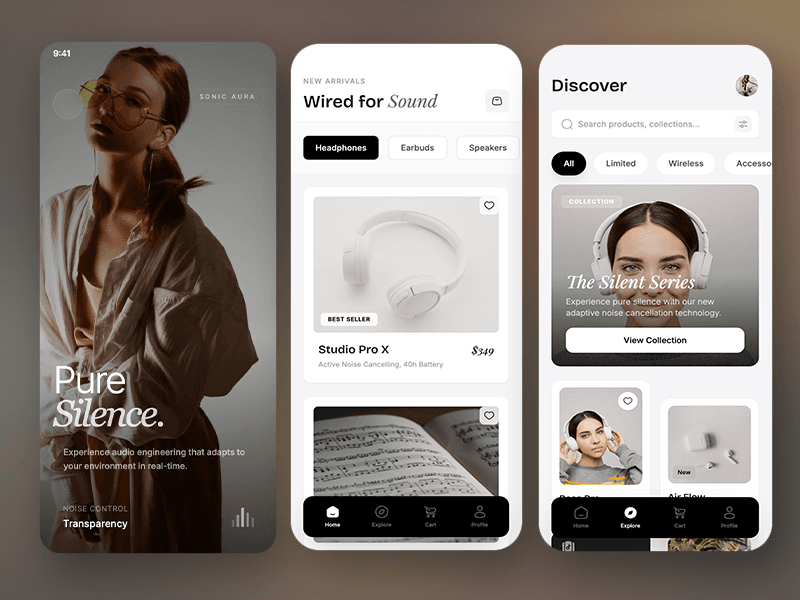
BREAK THROUGH CREATIVE BLOCKS & FIND INSPIRATION
Why Designers Use Komposo AI

Beat Blank Canvas Syndrome
Never stare at an empty canvas again. Generate design variations instantly to jumpstart your creative process. Describe your vision or explore random directions—Komposo AI creates multiple design concepts in seconds. Use these as starting points, inspiration, or foundations to build upon. Break through creative blocks and keep your design flow moving.

Escape Figma Fatigue
Tired of the same Figma workflows and repetitive design tasks? Komposo AI generates complete designs instantly, so you can focus on refinement and creativity instead of building from scratch. Generate initial concepts quickly, then export to Figma for detailed work. Break free from monotonous design routines and rediscover the joy of creative exploration.

Explore New Design Directions
Push your creative boundaries and explore design directions you might never consider. Generate variations with different styles, layouts, and concepts instantly. Use AI-generated designs as creative springboards to discover new patterns, color schemes, and layout ideas. Perfect for breaking out of design ruts and finding fresh inspiration.
What designers are saying

tonyy
@ttonydev
This was the most impressive demo of from image to code that I've ever seen 😮

Sam McKay
@SamMcKayOG
Tried out Komposo after watching a demo yesterday. Wow. Great work on that

Marjan Milosavljević
@marjan_milo
Very useful tool! I tried it yesterday in combination with @cursor_ai and already built my own workaround. 🤘

Tyler Shukert
@dshukertjr
This might be the easiest way to start building apps with Cursor!

Paul Copplestone
@kiwicopple
wow - this is an incredible "getting started" workflow

Seraph
@Seraph
Komposo was a genius project. It utterly is a SOTA app!

Jason Vestri
@jasonvestri
The greatest benefit is having solid env setup and clear instructions to the agent to set things up.
tonyy
@ttonydev
This was the most impressive demo of from image to code that I've ever seen 😮
Sam McKay
@SamMcKayOG
Tried out Komposo after watching a demo yesterday. Wow. Great work on that
Marjan Milosavljević
@marjan_milo
Very useful tool! I tried it yesterday in combination with @cursor_ai and already built my own workaround. 🤘
Tyler Shukert
@dshukertjr
This might be the easiest way to start building apps with Cursor!
Paul Copplestone
@kiwicopple
wow - this is an incredible "getting started" workflow
Seraph
@Seraph
Komposo was a genius project. It utterly is a SOTA app!
Jason Vestri
@jasonvestri
The greatest benefit is having solid env setup and clear instructions to the agent to set things up.
Frequently Asked QuestionsFrequently Asked
Questions


Beat blank canvas
syndrome